The One Fish Controls
Verify bindings and comfort settings before your first feeding lobby.
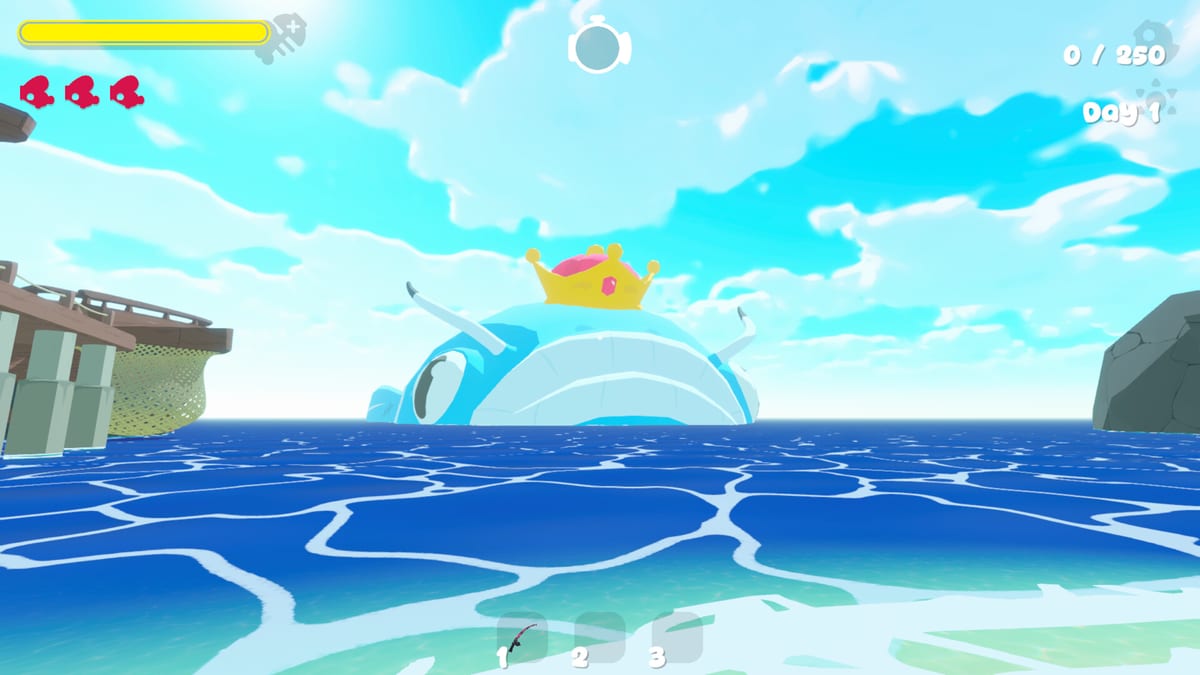
A controls page for The One Fish has to be honest: until Early Access unlocks, re:try has not published a full public keybind table in the materials we indexed. This guide still matters—it is a first-boot checklist so you do not learn inputs while The One Fish is starving and a bomb fish is mid-joke.
First-boot verification list
On first launch, open the options/rebind screen and confirm:
- Cast / reel / confirm actions are on keys you can hit without looking.
- Camera and interact keys do not fight your Steam Overlay or Discord push-to-talk.
- Menu / map / score shortcuts are memorable for co-op callouts.
- Chat does not steal your cast key (Steam lists in-game chat).
- Fullscreen vs borderless stability on your GPU—see System Requirements.
If a bind feels awkward after five casts, rebind immediately. Do not “get used to pain” during appetite spikes—read How to Feed.
Mouse, keyboard, and controller expectations
Steam positions The One Fish as a Windows PC release at launch. Many co-op fish games support controllers later even when KB/M is default; verify the in-game device list on day one rather than assuming. Hosts should ask every friend which device they are on before assigning Co-op roles that need fast veto calls.
Comfort settings that affect performance
- Lower camera shake if ability fish effects become nauseating.
- Increase UI scale if rarity colors are hard to read—pair with Rarities.
- Cap framerate if broadband + uncapped FPS creates hitching that looks like input lag.
- Mute or duck music when voice callouts matter more than vibes.
Co-op communication beats fancy binds
Perfect keybinds cannot save a silent lobby. Practice the Safe/Hold/Bomb lexicon from the co-op guide. Hazard watchers need a free finger for push-to-talk more than they need a niche selfie key.
Practice routine
Spend five minutes in a low-pressure context—ideally Chill Mode—only testing casts, camera, and menus. Then enter a real feed-oriented session using How to Play. Update this page mentally when official bind lists drop; watch Updates for patch notes that mention control changes.
Accessibility mindset
If a friend struggles with timing minigames (if present) or rapid confirms, give them Hauler-support or Appetite caller roles that lean on voice, not mechanical perfection. The One Fish fantasy is social fishing, not a gatekept esport on night one.
Controls mastery is quiet: when nobody notices inputs, the lobby can focus on fish, biomes, and keeping The One Fish fed.
Overlay conflicts and how to hunt them
Steam Overlay, Discord overlay, GeForce overlays, and browser push-to-talk tools love to steal keys. If a cast randomly opens a friends list, disable overlays one by one during a Chill Mode test. Remap confirmation keys away from chat enter if you keep sending half-written callouts into the ocean. Laptop users should disable function-key special modes that mute mics mid-fight. After every major Windows update, re-check bindings before blaming the game. Stable inputs are invisible when perfect and unforgettable when broken—fix them before inviting a full lobby.
Bind diary for sticky problems
Keep a three-line diary: date, what felt wrong, what you remapped. Patterns emerge—maybe chat always steals confirm, maybe overlay always steals cast. Bring the diary to launch week so you are not debugging under hunger pressure. Share useful findings with friends using the same System Requirements baseline so advice transfers.
Controller speculation versus confirmation
Until the in-game device list is visible on your machine, treat controller support as unconfirmed even if friends swear their pad works. Confirm locally in a five-minute boot, write the result in your bind diary, and only then tell the lobby. Spreading unconfirmed controller claims creates hosts who design roles around inputs that do not exist for half the party. Pair confirmation with a quick Chill Mode camera test so stick users are not discovering invert-Y during a hunger emergency.
Frequently Asked Questions
Quick answers for The One Fish players.
Where is the official keybind list?
Check the in-game options after Early Access unlocks. This page is a verification checklist until re:try publishes a full chart.
Should I rebind before inviting friends?
Yes. Finish comfort binds in Chill Mode or a short solo session before co-op night.
Do controls differ between biomes?
Expect the same core inputs; biomes change context, not necessarily the bind table. See Biomes and Maps for world structure.