The One Fish Fish Checklist Tool
A copy-ready tracker for 30+ Early Access fish and counting.
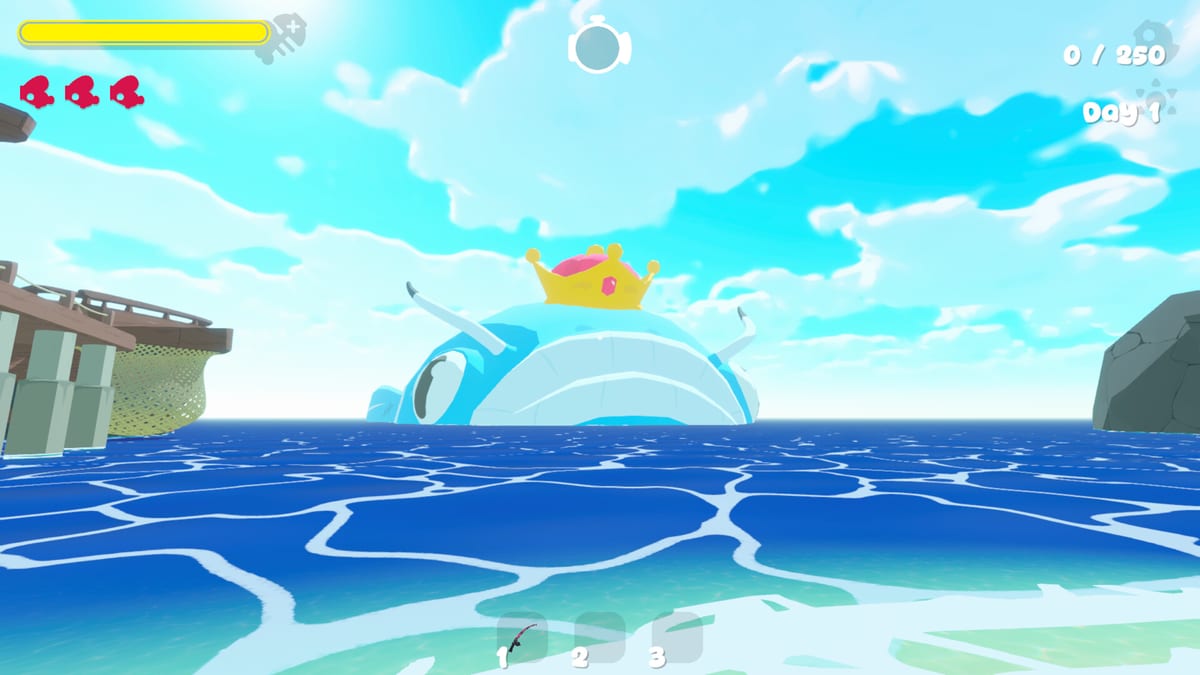
Use this fish checklist to turn chaotic co-op nights into a dataset your lobby trusts. The One Fish starts Early Access with 30+ unique fish and will add more—so your tracker must be easy to extend.
Copy-ready checklist fields
For each fish row:
- Name / temporary callsign
- Seen? (yes/no)
- Rarity band → Rarities
- Ability summary → Ability Fish
- Feed safety (Safe / Spicy / Not now) → How to Feed
- Danger flag → Dangerous Fish
- Co-op value note → Best Co-op Fish
- Biome / map → Biomes and Maps
- Screenshot saved? (yes/no)
- Patch version / date
How to run the tool in a session
- Assign a note-taker (Flex role from Co-op Guide).
- After each new reveal, fill one row—do not wait until the wipe screen.
- End in Chill Mode to catch missing screenshots.
- Reconcile rows with the Fish List weekly.
Spreadsheet tips
Freeze the header row, color Danger flags red, and add a filter for “Seen = no” before grind nights. Share the sheet beside your Co-op Planner.
After patches
When Updates mention new fish, append empty rows immediately. Do not overwrite old evidence—rarity and danger can change with modifiers (Roadmap).
Solo mode
Solo players still benefit: the checklist prevents “I swear we saw that fish” syndrome and feeds better personal tier notes for the Fish Tier List.
Checklists are unglamorous. They are also how your lobby becomes fluent in The One Fish faster than groups that rely on memory and vibes.
Quality bar for a “complete” row
A row is complete only when name, seen flag, safety, and at least one biome cell are filled. Ability and co-op value can wait one session, but not forever—set a weekend reminder. Incomplete rows should sort to the top via filter. Celebrate milestones like “first 15 unique seen” to keep the sheet from feeling like homework. Collection energy belongs in The One Fish; bureaucracy should stay lightweight.
Extra depth for The One Fish Fish Checklist
Return to this page after your next session and add private notes beneath your group’s checklist link. The public wiki stays general on purpose so it does not invent patch-sensitive numbers, but your lobby can store exact timings, preferred warm-up maps, and veto exceptions. Combine that private layer with the public links already woven through this article—guides for systems, fish pages for identification, tier pages for priority, tools for execution, and updates for change control. Doing so keeps The One Fish knowledge useful even while Early Access is still reshaping the waters.
Color and filter conventions worth standardizing
Use red for danger, teal for helpful co-op value, gray for unknown, and gold for showcase rarities you still will not feed under hunger. Filters should include Seen, Danger, and Biome. Standardization means any friend can operate the sheet without a fifteen-minute tutorial every Friday. Put the legend in row one and never hide it.
Closing notes for Fish Checklist
Bookmark this URL beside your Steam library entry for The One Fish so Early Access patch weeks do not send you scrambling through chat history. Re-read it when a friend joins mid-season; teaching from a stable page is kinder than teaching from memory. If a sentence here drifts from live patch reality, fix the source JSON and regenerate rather than arguing from an outdated tab. That small editorial habit is how fan wikis stay trustworthy while the waters are still moving.
Anti-hoarder rules for screenshots
Limit showcase screenshots to two per fish forever; otherwise the album becomes unsearchable sludge. Prefer one clean UI rarity shot and one gameplay context shot. Delete duplicates monthly. A lean album helps identification more than a thousand near-identical bomb fish memes.
Frequently Asked Questions
Quick answers for The One Fish players.
How many rows should I create at launch?
Start with 35 blank rows for the 30+ fish promise, then add more as Early Access expands the roster.
Should I log Chill Mode catches?
Yes. Collection knowledge counts even when appetite pressure is low.
Who should own the checklist?
One Flex/note-taker per lobby, with shared edit access for the whole group.